
How to Train Your AI Helper to Sound More Like You
- Angela Dunn
- Apr 2
- 3 min read

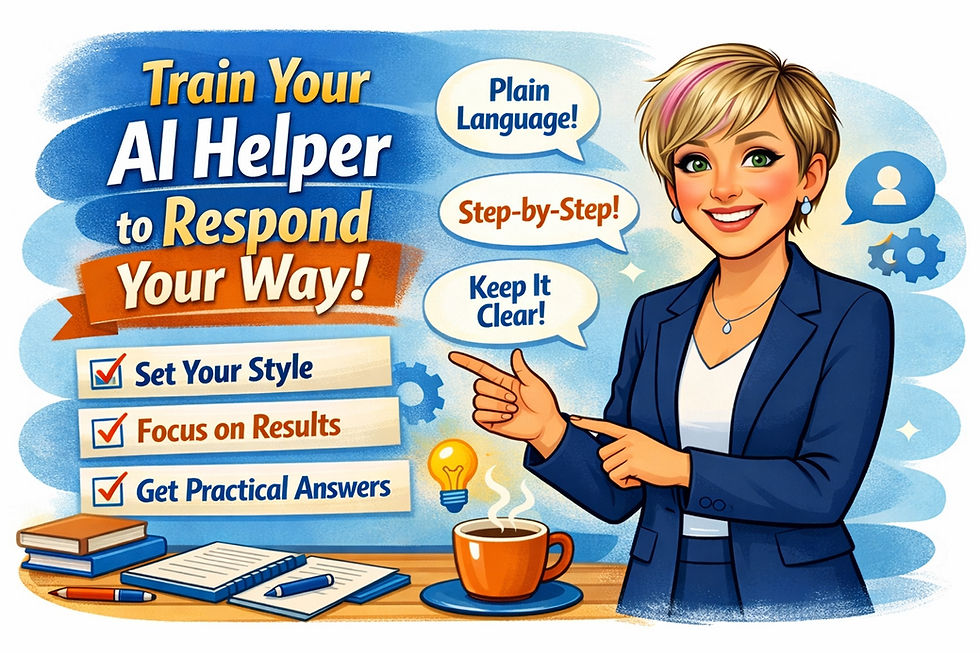
If your results feel too wordy, too vague, too technical, or just not like your business, the fix is often simple: give better instructions. The good news is that the major AI tools all offer ways to shape how they respond. The labels are different, but the goal is the same. You want clearer answers, less rework, and output that actually fits your business.
At AI Dunn Right, this is one of the first things we recommend to business owners, managers, and staff. Before you ask AI to help with emails, policies, marketing, customer communication, or internal procedures, take a few minutes to set the ground rules. It saves time right away.
What to Tell Any AI Tool
No matter which platform you use, start with the same basics:
who you are
who you serve
the tone you want
the level of detail you prefer
what to avoid
how you want answers formatted
A strong starting instruction looks like this:
Help me as a practical assistant for a small business. Use plain language. Keep answers clear, organized, and realistic. Avoid jargon, hype, and generic advice. Focus on useful next steps, time savings, and practical business use.
That one setup can improve almost every response.
ChatGPT
ChatGPT lets you shape responses with Custom Instructions and Projects. This works well if you want a consistent overall style and separate setups for different kinds of work.
Good for: everyday business support, writing help, planning, and repeat tasks.
Sample instruction:
I work with small business owners, managers, and staff. Write in plain language. Keep responses practical, professional, and easy to act on. Avoid hype and unnecessary technical detail. When useful, give steps, examples, and a short checklist.
Claude
Claude responds well to clear, well-written starter instructions. Even if you are not using a formal saved setup, a reusable prompt block at the start of important chats can make a big difference.
Good for: thoughtful writing, policy drafting, document review, and clear explanations.
Sample instruction:
Act as a practical business assistant. Use calm, clear language. Explain things simply for busy, non-technical people. Keep the advice realistic and well structured. Flag risks, assumptions, and missing information clearly.
Gemini
Gemini uses Gems, which are useful for setting up different helpers for different jobs. That makes it a strong choice if you want separate AI helpers for writing, research, training, or operations.
Good for: reusable business workflows and role-based helpers.
Sample instruction:
You are my small business communications assistant. Help me create emails, website copy, internal messages, and training content. Use plain, professional language. Keep the writing practical, trustworthy, and natural. Give 2 to 3 options when useful.
Grok
With Grok, the safest approach is to rely on strong reusable prompts. Keep a small library of starter instructions for the kinds of work you do most often.
Good for: fast idea generation, current-topic questions, and business comparisons.
Sample instruction:
Respond as a practical assistant for a small business. Keep answers direct, useful, and easy to follow. Use plain language. Avoid filler, hype, and vague statements. Organize the response into steps or options whenever possible.
Copilot
Copilot is especially useful for businesses already working inside Microsoft 365. If your team uses Outlook, Word, Teams, and OneDrive, customizing Copilot can improve the work you already do every day.
Good for: email drafting, meeting summaries, internal communication, and document work.
Sample instruction:
Keep responses concise, practical, and professional. Use plain language. When drafting messages, make them sound natural and confident, not stiff or corporate. When summarizing information, highlight decisions, deadlines, risks, and next steps.
Simple Tips That Make a Big Difference
Keep your instructions clear, not crowded. Too many rules can make the output worse.
Separate your permanent preferences from the task itself. Your permanent setup might say “use plain language.” Your task prompt might say “write this as a short LinkedIn post for restaurant owners.”
Review your setup after a week or two. If the tool is still too wordy, tell it to be briefer. If it feels too generic, ask for more practical examples. Small changes often lead to much better results.
Final Thought
The best AI setup is not the fanciest one. It is the one that saves you time and gives you answers you can actually use.
That is the real goal at AI Dunn Right: practical AI for real business work. Clearer instructions lead to better output. Better output leads to less rewriting, better communication, and more value from the tools you are already using.
If your AI helper does not sound right yet, it probably does not need replacing. It needs training.


Comments